
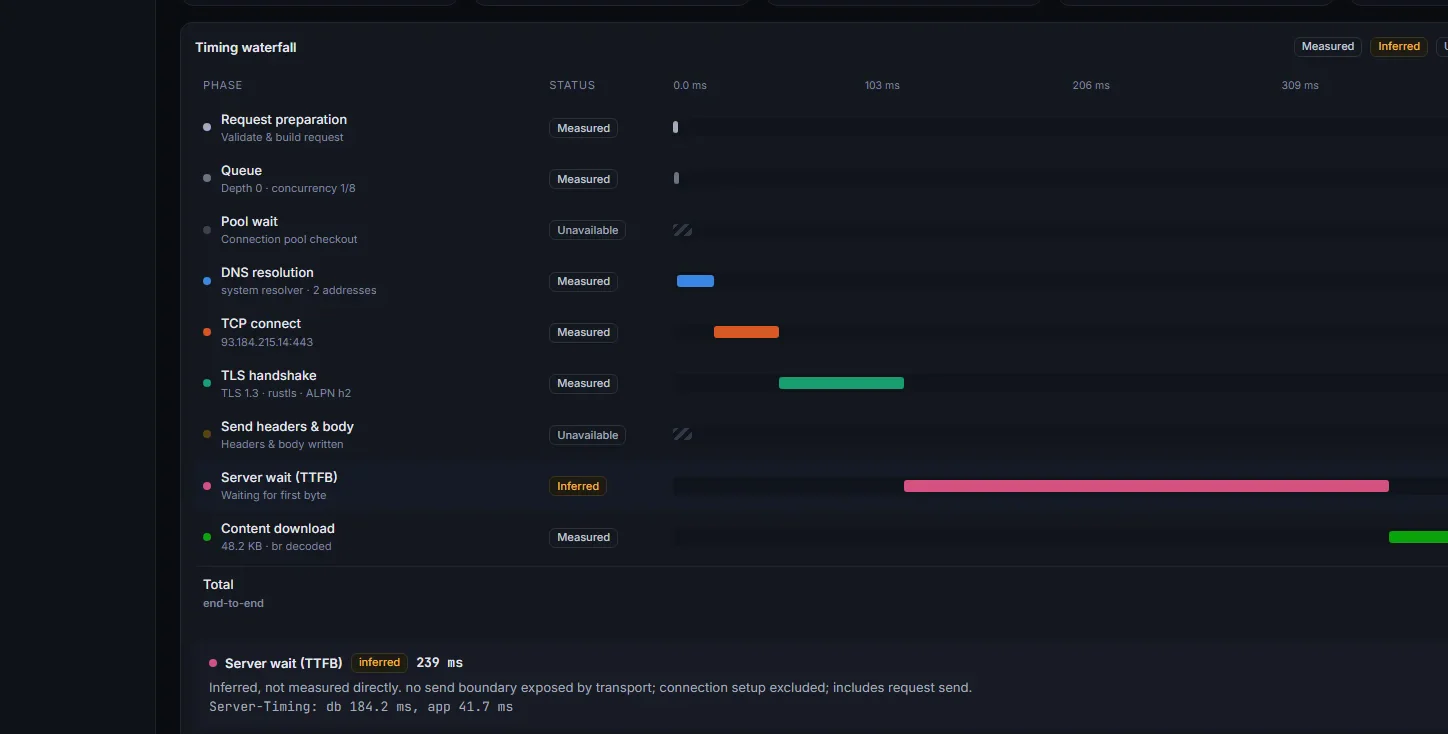
A trace for every request
DNS, connect, TLS, wait and download, drawn to scale. Anything the app can’t see says so instead of showing zero.
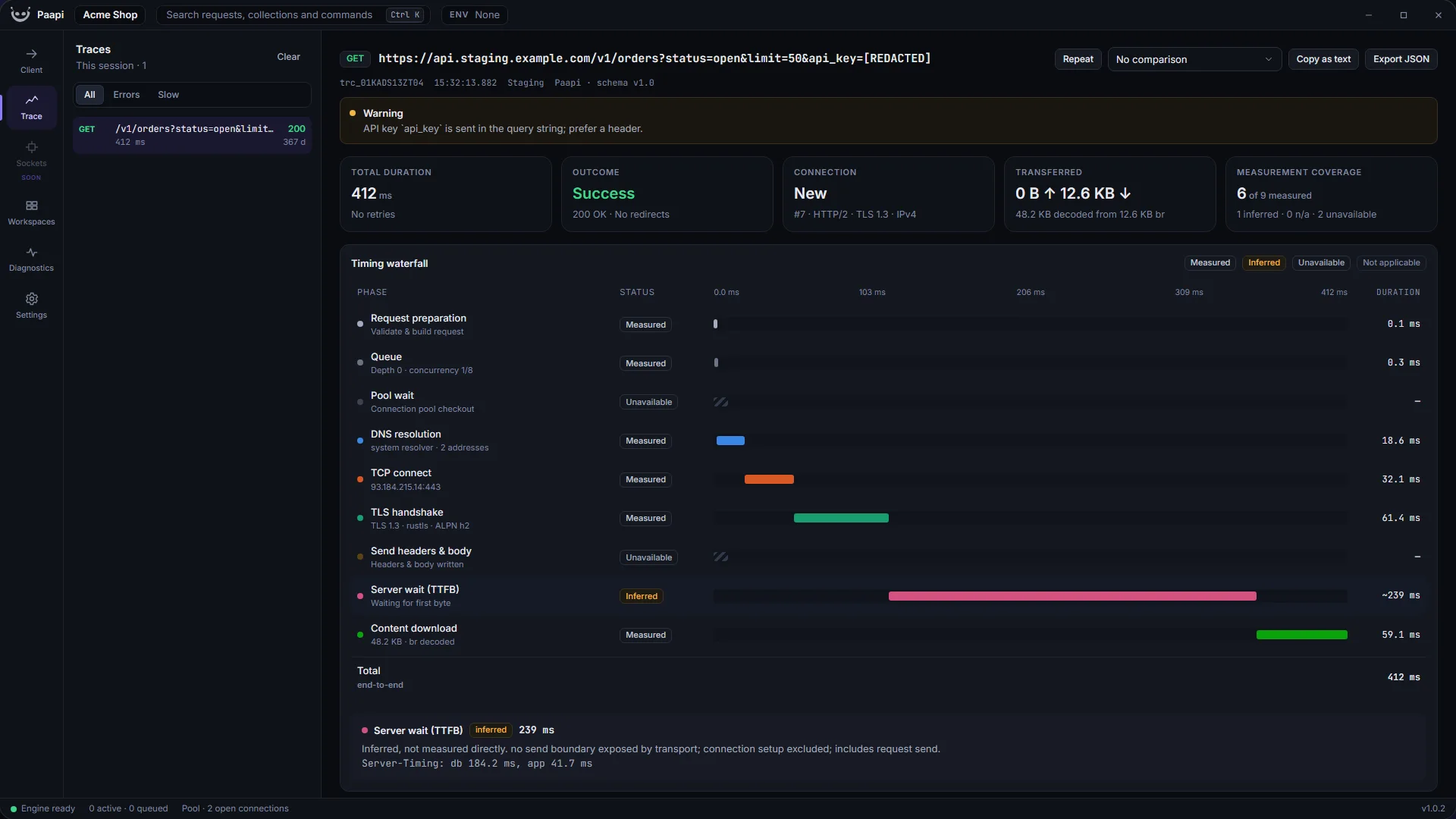
DNS, connect, TLS, wait and download, drawn to scale. Anything the app can’t see says so instead of showing zero.
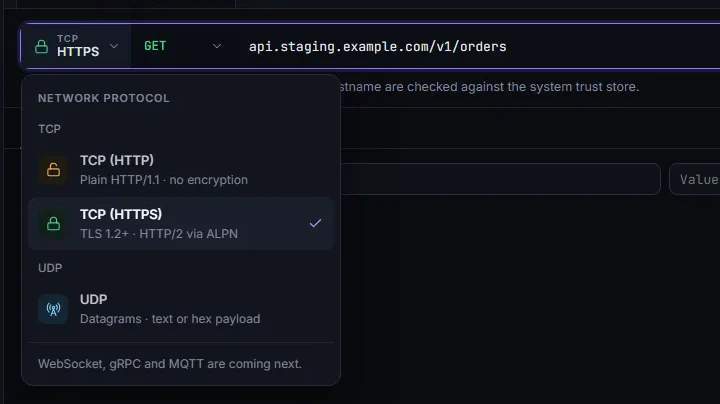
Pick the transport from one menu. Verify TLS per request, or send a raw datagram.
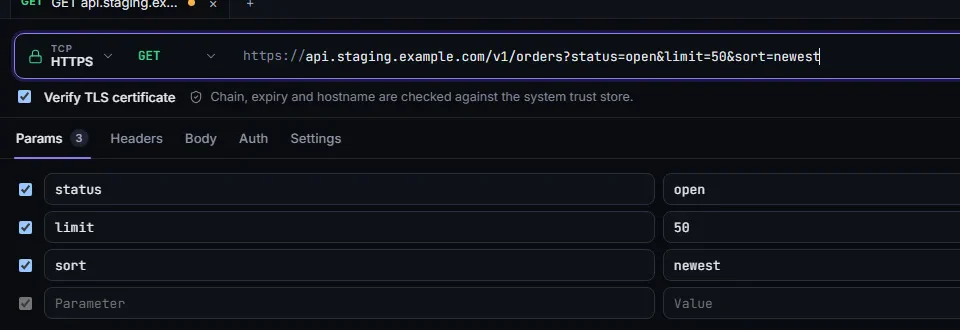
Edit the query in the URL or in the table. The other follows.
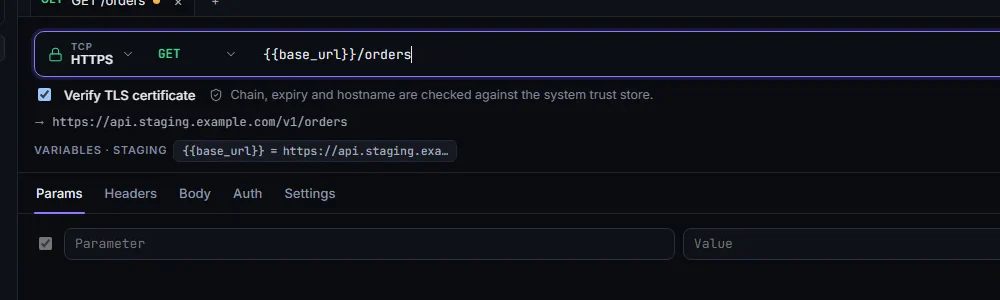
Variables resolve live and the exact URL is previewed before you send. Secrets stay in your OS keychain.
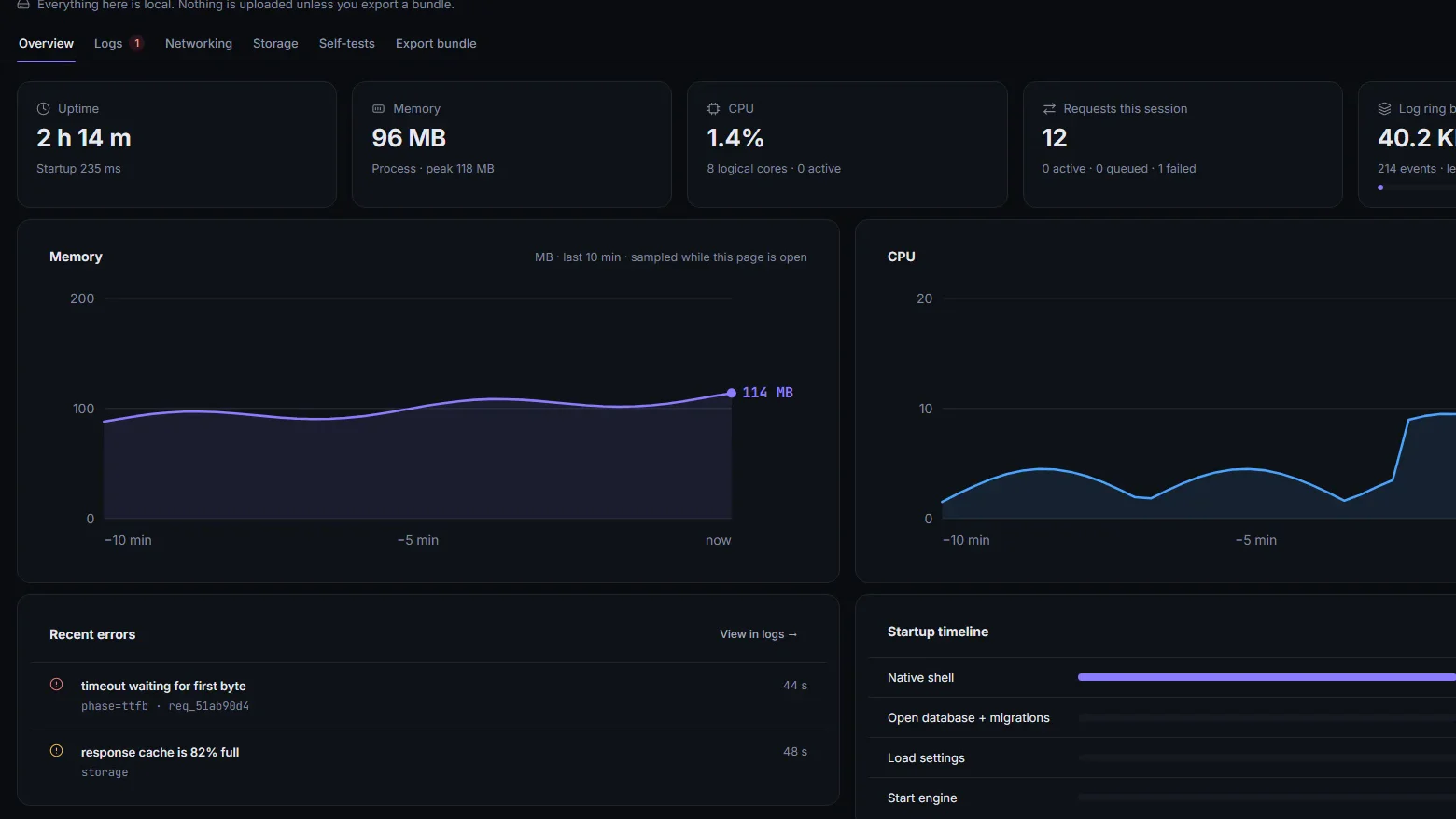
Live memory, CPU, logs and self-tests, all local. Nothing is uploaded unless you export a bundle.
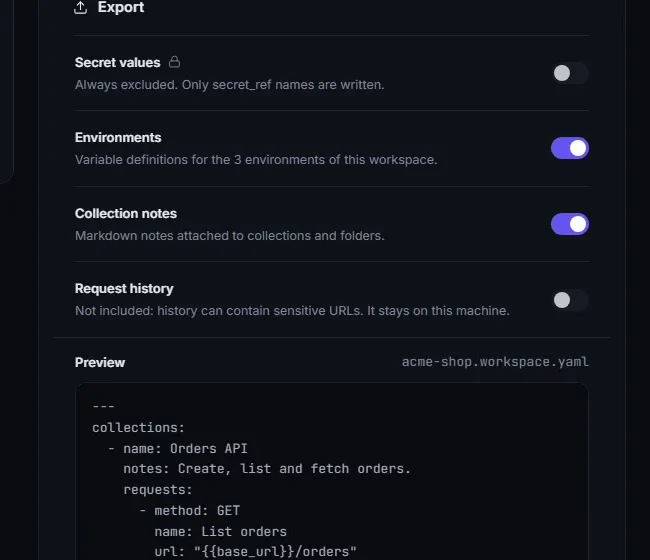
Export collections and environments as one readable YAML file. Secrets travel as references only.
Requests, history and collections stay on your machine. Secret values live in your OS keychain, never in the database or an exported file.
Version 1.0.2
Installer (.exe)
Download for WindowsDisk image (.dmg) for Apple silicon and Intel
Download for macOSDebian package (.deb)
Download for LinuxThe installers aren’t code-signed yet, so your system may ask you to confirm the first time.
sudo apt install ./Paapi*.deb.Verify any file against the published SHA-256 checksums.